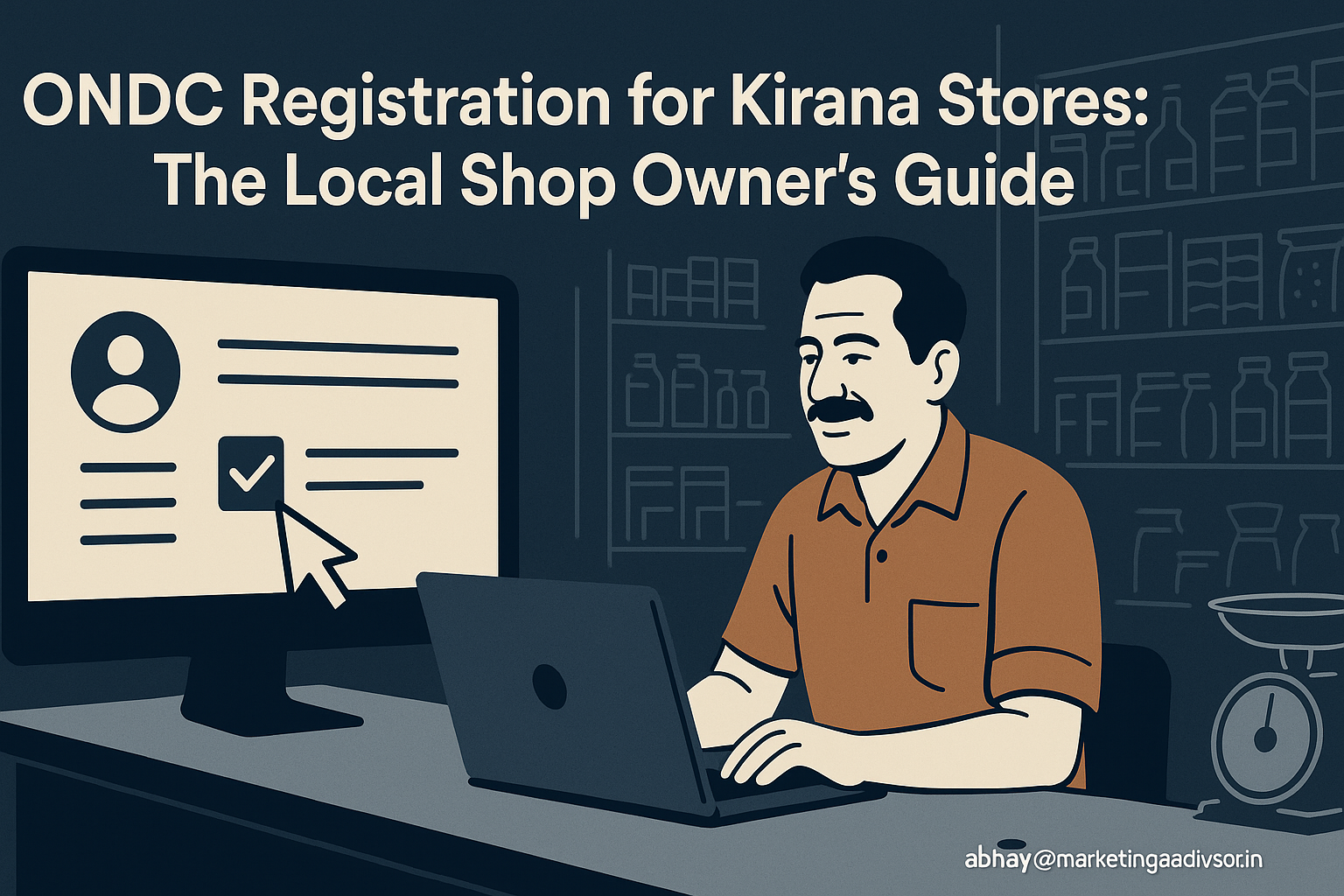
ONDC registration guide for kirana stores: How to go online and grow local sales
Small kirana stores are the backbone of neighbourhood retail in India. With rising smartphone penetration and a rapid shift to digital shopping, ONDC registration gives kiranas a low-cost route to reach customers beyond their footfall. This how‑to guide explains why kiranas should join, exactly what documents are needed, how to choose a seller platform, best practices for listing and order management, and a real (representative) success story to learn from.
Why kiranas should join: benefits and market signals
Joining the open digital commerce network via ondc registration can help kirana owners grow revenue, diversify customer channels, and reduce dependence on single marketplaces. Consider these market data points that show the opportunity:
- India had over 600 million internet users as of 2020, with continued growth year-on-year (source: Statista).
- Google and KPMG projected India’s internet economy could reach roughly $1 trillion by 2025 — a sign of accelerating online demand for goods and services.
- Online grocery and essentials saw dramatic acceleration during the pandemic; several industry reports estimated growth in grocery e-commerce of 50%–70% in 2020–2021.
- McKinsey found that businesses that scaled digital technologies during COVID often saw productivity and sales gains in the range of 20%–30%.
Key benefits for kiranas after ondc registration:
- Access to new customers: online visibility beyond the neighbourhood.
- Lower customer acquisition cost compared with large marketplaces (neutral network effect allows competing on price/service).
- Ability to accept digital payments and offer delivery or curbside pickup.
- Inventory and order data that helps optimize stocking and reduce waste.
Documents needed for ondc registration
Before starting ondc registration, get these documents ready. Requirements vary slightly by seller platform or onboarding partner, but the common list includes:
Basic business identity documents
- PAN card (proprietor or business PAN).
- Business registration proof: GSTIN (if registered) or Shops & Establishment certificate / Trade Licence.
- GST registration certificate (if registered). Note: some categories of kiranas may be eligible to sell without GST depending on turnover and local rules, but having GST simplifies online selling of packaged goods.
Banking and financial
- Cancelled cheque or bank account passbook (to validate account name and IFSC).
- Account holder ID (same as PAN proof) and sometimes a copy of cheque for payouts.
Address and identity
- Shop address proof: utility bill, municipal tax receipt, or rental agreement.
- Owner’s Aadhaar card or passport/driving license for KYC verification.
- Recent shop photograph and owner’s passport-size photo.
Category-specific certifications
- FSSAI licence or registration for food items / perishables.
- Manufacturer/brand authorization if selling branded/resale items requiring approval.
Tip: Scan and store high-quality PDFs or images of each document. Platforms commonly accept mobile-captured images but require legible scans for verification.
Choosing a seller platform after ondc registration
Following ondc registration, you’ll need a seller interface or onboarding partner to list products and manage orders. Choosing the right seller platform affects commissions, ease of use, and reach.
Platform types
- Aggregator apps: Provide simple seller dashboards and often additional services (delivery, payments). Good for first-time online sellers.
- Dedicated seller apps: Offer advanced inventory management, multi-channel sync, and reporting. Best if you already sell online or plan scale.
- Technology partners / local integrators: Offer in-person onboarding, training, and managed services for a monthly fee.
Evaluation criteria
- Commission and fee structure: transparent per-order commission vs subscription + lower commission models.
- Integration: does the platform sync with your billing/POS system? Look for CSV upload, API or POS connectors.
- User experience: seller dashboard must be mobile-friendly and available in local languages if needed.
- Payments & payouts: frequency (daily/weekly), payment methods supported, and dispute resolution timelines.
- Delivery support: self-fulfilment vs platform-provided logistics. Check delivery cost and service-level agreements (SLAs).
- Customer support & training: local onboarding, helpline and seller education resources.
Sample decision flow
- If you want quick onboarding and delivery support: choose an aggregator or integrator with managed logistics.
- If you already have a POS and plan multi-platform selling: choose advanced seller app with inventory sync.
- If margins are thin and you have regular customers: prefer low-commission platforms and self-delivery/pickup options.
Listing products: how to get it right
Good product listings drive conversions. Use these practical steps when uploading SKUs after ondc registration:
Prepare your product catalog
- Start with top 50 SKUs: essentials, high-turnover items, and branded staples.
- Group items into categories and subcategories for easier discovery.
- Use standardised units (kg, litre, pack of N) to avoid confusion during order fulfilment.
Optimize product content
- Titles: concise, include brand, pack size, and variant (e.g., “Brand X Atta – 5kg”).
- Descriptions: one short line (what it is) plus 2–3 bullet points (features, usage, storage).
- Images: high-resolution photos (800×800 px recommended) with clean background; include pack shot and close-up.
- Pricing: ensure on-shelf price matches online price; list MRP and offer price clearly if discounting.
- Inventory: keep buffer stock for fast-moving SKUs to prevent cancellations (recommended safety stock = 7–14 days of average sales).
Use tags and fulfillment options
- Tags: mark popular/express items for faster visibility.
- Fulfilment: mark perishable SKUs with expiry dates and storage instructions. Offer same-day delivery options if possible—studies show same-day delivery can increase conversion by 10%–20% for groceries.
Managing orders efficiently
Successful order management reduces cancellations, improves ratings, and increases repeat business. Follow this operational checklist:
Order acceptance & packing
- Accept orders quickly—many platforms set acceptance SLAs (e.g., within 15–30 minutes).
- Pack with clear labels: order ID, customer name, and special instructions (e.g., “no plastic”).
- Quality check perishable items; replace any near-expiry items proactively.
Delivery options
- Self-delivery: good if you have a trusted delivery person and neighbourhood reach.
- Platform logistics: usually easiest, but check commission and delivery SLA (hours to same-day).
- Click-and-collect: offer pickup to customers who prefer to avoid delivery charges; this improves margin.
Returns, refunds & customer service
- Set a clear returns policy—e.g., accept returns for damaged or incorrect items within 24 hours.
- Maintain records of return reasons to identify recurring supplier or storage problems.
- Respond to customer queries within the platform SLA—fast response improves ratings and repeat orders.
Use simple metrics to measure performance
- Order acceptance rate (% of orders accepted within SLA).
- On-time delivery rate.
- Cancellation rate.
- Average order value (AOV) and repeat purchase rate.
Industry benchmark: aim for an order acceptance rate above 95% and cancellation rate below 3% for a healthy seller rating.
Real success story (representative case study)
Case study (representative): A neighbourhood kirana in Bangalore—”Anand Stores”—decided to complete ondc registration and partner with a seller integrator. Key actions and results over 6 months:
- Onboarding: completed KYC and catalogued 120 SKUs (top 60 SKUs focussed first).
- Fulfilment mix: offered self-delivery within 3 km and platform logistics beyond that radius.
- Promotions: ran a “first-order free delivery” and bundled combos for weekday lunch needs.
- Results: 35% increase in overall orders, 28% rise in revenue, and a 15% increase in customer repeat rate within 6 months. Average order value grew by 12% due to bundle offers.
Lessons learned from the case:
- Start small: focusing on a curated SKU list reduced mistakes and improved fulfilment metrics.
- Local marketing: use WhatsApp and in-store flyers to educate regular customers about the online option.
- Monitor margins: balancing discounts with delivery cost was key to maintaining profitability.
Conclusion
ondc registration gives kirana stores a realistic and cost-effective path to join the digital commerce ecosystem. With simple documents, the right seller platform, thoughtful product listings, and disciplined order management, kiranas can expand customer reach, improve revenues, and stay competitive against larger e-commerce players. Start with a focused SKU list, track a few key metrics, and iterate based on customer feedback—digital selling is a process, not an instant flip of a switch.
Frequently Asked Questions (FAQs)
1. How long does ondc registration take for a kirana?
Registration timelines vary by onboarding partner but typically range from 1–7 business days once you submit clean KYC documents. Some seller integrators can complete basic onboarding within 24–48 hours for simple setups.
2. Do I need GST to register as a seller?
Many platforms accept sellers without GST for low-volume operations, but having GST simplifies listing branded packaged goods and avoids compliance issues. If your annual turnover crosses the GST threshold, registration is mandatory.
3. What are typical costs or commissions after ondc registration?
Costs depend on the seller platform: some charge a per-order commission (5%–20%), others offer subscription models with lower commissions. Also account for payment gateway fees (~1%–3%) and delivery costs.
4. Can I use my existing POS or billing software?
Many seller platforms offer CSV upload and API or POS integrations. When selecting a platform, prioritise one that supports your POS or offers easy catalog sync to avoid double data entry.
5. How to manage perishable items and expiry dates?
Tag perishable SKUs in your catalog with expiry dates, store them in FIFO (first-in-first-out) order, and maintain a shorter lead time for delivery. Clear packaging and storage instructions reduce customer complaints.
6. What delivery options should I offer initially?
Start with self-delivery for your immediate neighbourhood (2–4 km) to control costs and service quality. Add platform logistics for wider coverage once you stabilise operations.
7. Are there any training resources available for kirana owners?
Yes. Many seller platforms and integrators provide free onboarding sessions, WhatsApp support, video tutorials, and help centers. Choose partners that offer local language support if needed.
8. How do I measure success after joining?
Track simple KPIs: acceptance rate, on-time delivery rate, cancellation rate, average order value, and repeat purchase rate. Aim for >95% acceptance and <3% cancellations as early performance targets.