What Is an ondc buyer app? A Complete Guide to Searching, Ordering, Paying, Tracking, Returns & Refunds
Discover why ondc buyer app platforms are attracting millions of Indian shoppers. These apps aim to create an open marketplace where consumers can compare sellers, find lower prices, and access local stores — without being locked into a single marketplace. With roughly 800 million internet users in India and e-commerce growing at double-digit rates, buyer apps are becoming an important channel for discovery and purchase.
What is a buyer app
An ondc buyer app is a customer-facing mobile or web application that connects shoppers to multiple sellers across categories — groceries, electronics, home services, fashion and more — through a unified procurement network. Unlike a traditional marketplace that acts as a single platform controlling listings, an ondc buyer app acts as the consumer entry point into a decentralized network of sellers and logistics partners.
Key features of an ondc buyer app
- Unified search across multiple sellers and stores
- Transparent price and seller comparison
- Multiple payment methods (UPI, cards, wallets)
- Order tracking and live updates
- Support for returns, replacements, and refunds
- Integration with local stores / small merchants
Why buyer apps matter (data-backed)
- India had an estimated ~800 million internet users in 2023, creating a massive digital shopper base (Statista).
- Mobile apps account for the majority of time consumers spend online — globally, over 80% of mobile time is spent inside apps (data.ai / App Annie).
- E-commerce adoption in India has been growing at a CAGR in the double digits across the last five years, driven by mobile-first shoppers and digital payments (McKinsey / BCG analyses).
- Open, interoperable buyer apps can reduce seller dependency on single marketplaces and increase competition — a potential driver for price reductions and better service.
List of ondc buyer apps
Several consumer apps have announced support for or integration with open procurement networks and decentralized marketplace initiatives. Availability varies by region and app. Commonly reported buyer apps and categories include:
- Large wallet / payments apps: Apps backed by major payments providers often integrate buyer-side functionality — enabling seamless UPI-based checkout and tokenized payments.
- Retail & reseller apps: Reseller apps that traditionally connect small merchants may act as buyer apps to let consumers search multiple local sellers.
- Local discovery apps: Platforms that already list local stores, services or deals may add buyer-side purchasing features.
- Hyperlocal grocery & essentials apps: Grocery ordering apps from regional players can act as buyer apps to aggregate multiple merchants.
Note: Specific app availability changes rapidly as more consumer apps add integrations. Check your preferred app store or the app’s announcement page to confirm whether it supports an open network marketplace in your city.
Examples and how they differ
- Payment-first apps prioritize seamless checkout and wallet/UPI options, reducing friction at payment time.
- Discovery-first apps focus on search, comparison, and local merchant selection with richer product descriptions and filters.
- Hyperlocal apps emphasize speed and local inventory, often offering same-day delivery slots.
How to search & order using an ondc buyer app
Searching and ordering on an ondc buyer app is designed to be familiar to online shoppers, but with additional emphasis on cross-seller discovery and local availability.
Step-by-step: How to find and place an order
- Install and sign in: Download the buyer app from your app store and sign up with a mobile number or email. Many apps authenticate via OTP (one-time password).
- Set your location: Allow location permissions or manually enter a PIN to see sellers and stock near you.
- Search or browse: Use the search bar to type product names (e.g., “rice 5 kg”, “Bluetooth earphones”). Use category browsing or filters (price, rating, seller distance).
- Compare sellers: Results often show multiple sellers for the same product with price, delivery time, and ratings side-by-side. This transparency helps you choose better value.
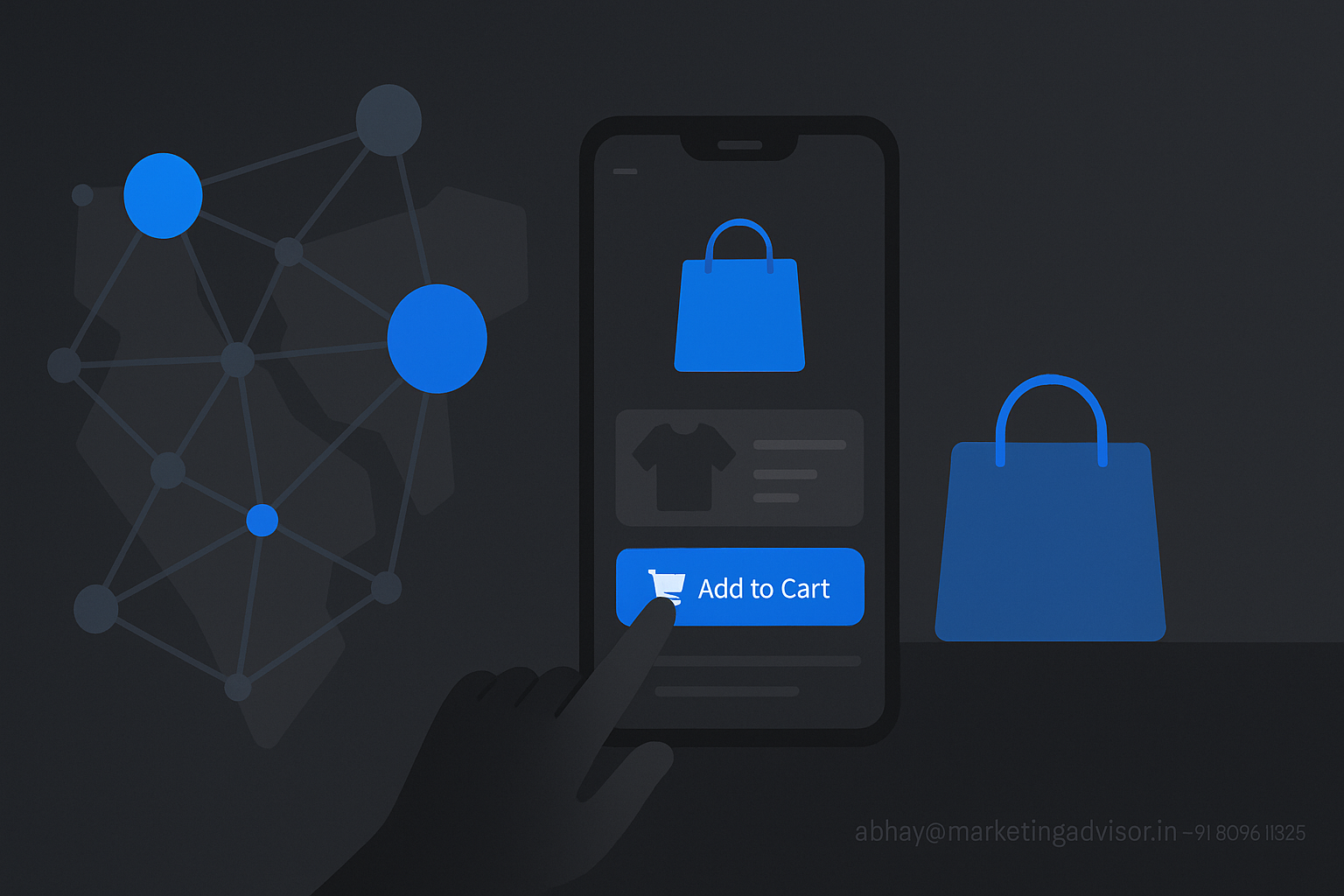
- Add to cart & choose options: Select product variants, delivery slot, and any add-ons. The app may show combined shipping if you order from sellers in the same locality.
- Checkout & confirm: Choose payment method, review delivery address, and place the order. Many apps provide an order summary with itemized charges, taxes, and delivery fees.
Search tips to find the best deal
- Use specific keywords (brand + model) to narrow results.
- Sort by price or delivery time depending on priority.
- Read seller ratings and recent reviews to assess reliability.
- Check estimated delivery time and shipping charges — local sellers often offer lower shipping costs.
Payment options
ondc buyer app platforms generally support a wide range of payment methods to cater to diverse Indian consumer preferences. The availability of options depends on the specific buyer app and regional integrations.
Common payment methods
- UPI (Unified Payments Interface): Instant, bank-to-bank payments with high adoption — UPI processed over 80 billion transactions in 2023 across India, making it a primary choice for app payments (National Payments Corporation of India / industry reports).
- Debit & credit cards: Visa, MasterCard, Rupay and others for consumers who prefer card payments.
- Wallets & stored balance: In-app wallets for quick checkout and promotions.
- Net banking: For higher value transactions or bank transfers.
- COD (Cash on Delivery): Some buyer apps continue to offer COD for user convenience, though many merchants prefer prepaid orders to reduce logistics cost.
Security and fraud prevention
- Look for encrypted payment flows (HTTPS/TLS), OTP verification for UPI, and PCI-DSS compliance for card payments.
- Enable app-level locks or biometric authentication for faster but secure checkouts.
- Beware of unusual payment prompts outside the app; legitimate apps keep you within a secure payment flow.
Tracking orders
Order tracking in buyer apps brings more transparency by linking seller dispatch, courier partner updates, and expected delivery windows. Real-time tracking and communication help reduce missed deliveries and disputes.
Typical tracking workflow
- Order confirmed: You receive order ID, estimated delivery time, and seller contact details.
- Seller prepares item: App shows status like “Preparing”, “Packed”, or “Out for pickup.”
- Courier updates: Once logistics takes over, live GPS or status updates show transit progress.
- Delivery attempt: You’ll receive a delivery confirmation or a missed delivery attempt message with re-schedule options.
Best practices for tracking
- Enable push notifications and SMS alerts for real-time updates.
- Keep seller and courier contact details handy for quick coordination.
- If the app supports it, share delivery instructions (gate code, preferred drop spot) to avoid failed attempts.
Returns & refunds
Returns and refunds policies can vary across sellers and buyer apps. A consistent, transparent policy improves consumer confidence — studies show that clear return policies can increase conversion rates by up to 80% for online shoppers (industry UX research).
How returns typically work
- Initiate return in-app: Go to Orders → Select the order → Choose “Return” or “Replace” and provide a reason and photos if required.
- Seller approval & pickup: Some returns are seller-approved automatically; others require manual inspection. The app coordinates pickup through a logistics partner.
- Refund processing: Once the seller or logistics confirms receipt, the app issues a refund to your original payment method. UPI and wallet refunds are often faster (1–3 business days); card refunds may take 5–7 business days depending on the bank.
- Escalations: If a refund is delayed, use in-app help or grievance channels; many buyer apps maintain a dispute resolution team for unresolved cases.
Return policy tips
- Check seller-specific return windows (e.g., 7-day vs. 14-day returns).
- Keep product packaging and invoice until the return is completed.
- Take timestamped photos for damage/defect proof to speed approval.
Mini case insight: A local grocer goes digital
Consider a neighborhood grocery store that lists inventory across a buyer app network. By integrating with a buyer app, the merchant gains access to a larger customer base and real-time orders from nearby consumers.
- Outcomes reported by similar pilots include: 20–35% increase in monthly order volume and improved inventory turnover for perishable goods.
- Faster local deliveries (within 2–4 hours) improved repeat purchase rates — local convenience remains a strong differentiator against national platforms.
Conclusion
ondc buyer app platforms represent a shift toward open, interoperable shopping experiences: consumers get more choice and competitive pricing while local sellers access a wider customer base. With strong mobile penetration (about 800M internet users) and rising digital payments, buyer apps are poised to play a meaningful role in India’s e-commerce landscape. Whether you prioritize price, speed, or local sourcing, buyer apps offer flexible search, multiple payment options, clear tracking, and structured returns — making them a practical alternative for millions of shoppers.
Frequently Asked Questions (FAQs)
1. What is the difference between a buyer app and a regular e-commerce app?
A buyer app connects consumers to multiple independent sellers across a decentralized network, emphasizing cross-seller discovery and interoperability. A regular e-commerce app often manages listings, payments, and logistics within a single controlled marketplace.
2. Are buyer apps secure for payments?
Yes — reputable buyer apps implement secure payment channels (UPI, PCI-compliant card gateways, encrypted APIs). Always verify app permissions and ensure secure checkout (HTTPS and OTP flows).
3. Can I use UPI and wallets on these apps?
Most buyer apps support UPI, debit/credit cards, wallets, and sometimes COD. UPI is a common and fast option for instant payments.
4. How long do refunds take?
Refund timing depends on the payment method: wallet/UPI refunds typically take 1–3 business days, while card refunds can take 5–7 business days depending on banks and payment processors.
5. Are prices better on buyer apps compared to big marketplaces?
Buyer apps can offer competitive pricing because they enable direct comparisons among local sellers and promote competition. However, prices vary by seller, location and promotional offers.
6. What happens if my order isn’t delivered on time?
Use in-app tracking to see status. Contact the seller or courier via the app’s contact options. If unresolved, raise a formal grievance or refund request through the app’s help center.
7. Do small merchants need special tools to join as sellers?
Merchants typically need a basic seller onboarding process which may include KYC, product catalog upload (CSV or app-based), and integration with local logistics. Many networks provide dashboard tools for inventory and order management.
8. Will buyer apps replace traditional marketplaces?
Buyer apps offer a complementary model focused on openness and local merchant inclusion. They may not replace established marketplaces entirely but can increase competition and choice for consumers and sellers alike.